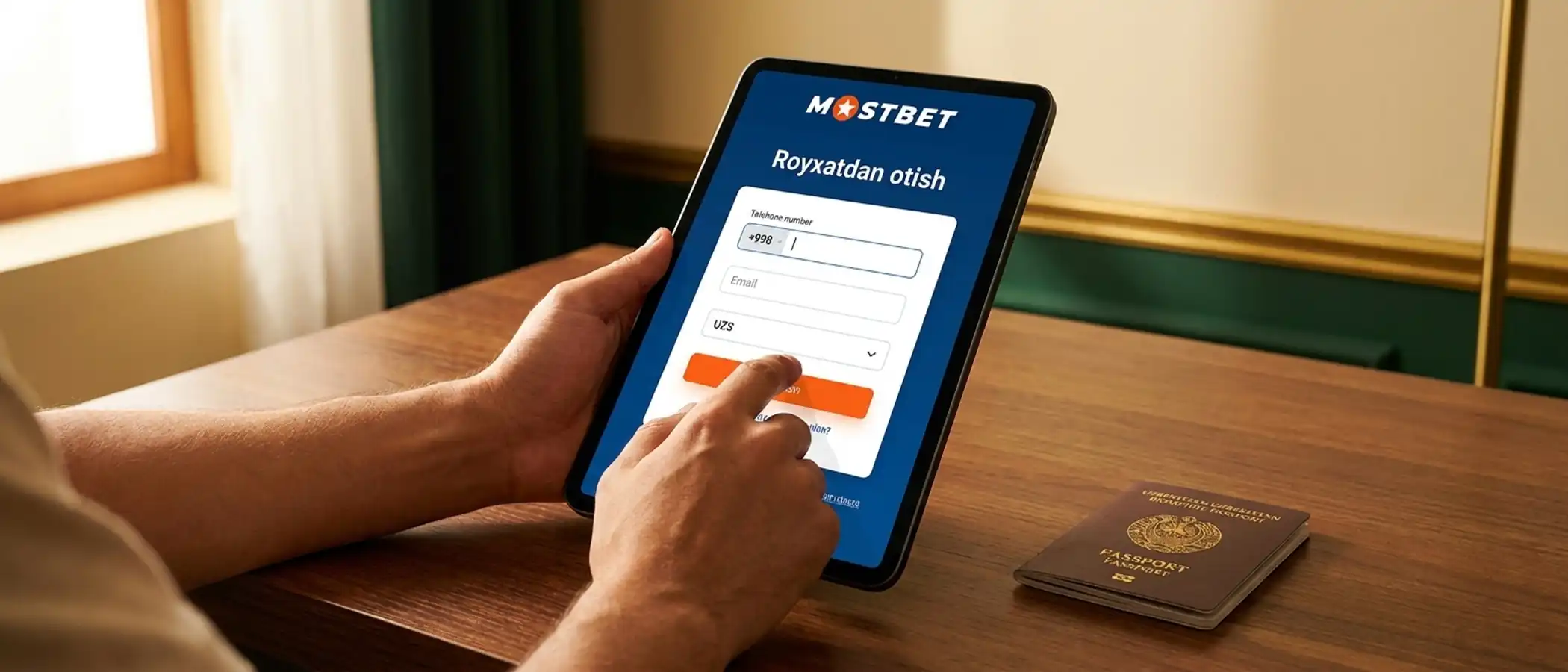
Mostbet registration completes in about 1 minute — full functionality requires identity verification (KYC). This page covers the four registration methods, KYC with an Uzbekistan passport, and how to enter a promo code.
In short
Four registration methods: phone number, email, social network, 1-click.
Minimum age: 18+; KYC requires an Uzbekistan passport or ID card.
After KYC, withdrawals complete within 1-24 hours; unverified accounts are limited.
How do I register at Mostbet?
Mostbet registration is available via 4 methods: phone number, email, social-network login, and 1-click. The fastest is 1-click: choose currency (UZS) and enter a promo code; the system creates the account and password automatically. Phone and email use standard forms. Social-network login supports Google, Telegram and Yandex ID. Each method gives an account ready for deposits; however, any withdrawal requires identity verification (KYC). An unverified account can only deposit.
Registration by phone number
Phone registration takes 5 steps: (1) click "Sign up" on the homepage; (2) select the "Phone number" section; (3) enter your number with the Uzbekistan country code (+998); (4) choose UZS as currency; (5) set a password and enter a promo code if you have one. An SMS verification code is sent to your phone — entering it completes the account. The phone number is later used for security (password reset, two-factor authentication).
Registration by email
Email registration asks for more details upfront, which helps later: first name, last name, date of birth, address and phone number. To verify, you click a link sent to your inbox. This method is closest to KYC-ready — most data is already entered, which saves time during identity verification. Email is then used for bonus messages, account notices, and security alerts.
Social-network login
Mostbet supports registration through Google, Telegram and Yandex ID. After clicking, the external network requests access (email and basic profile data). The auto-created account must then be completed with phone, address, currency, password. This method looks faster but still needs the additional data during KYC.
1-click registration
1-click is the quickest: only currency (UZS) and a promo code are selected. The system auto-generates an account number and strong password (write them down — they will not be shown again). Pros: speed (10-15 seconds). Cons: (1) you don't choose the password; (2) password reset is hard because no phone or email is set; (3) KYC fields are empty and must be filled later. 1-click is best for quick testing; for serious use, choose phone or email.
Mostbet KYC: verifying with an Uzbekistan passport
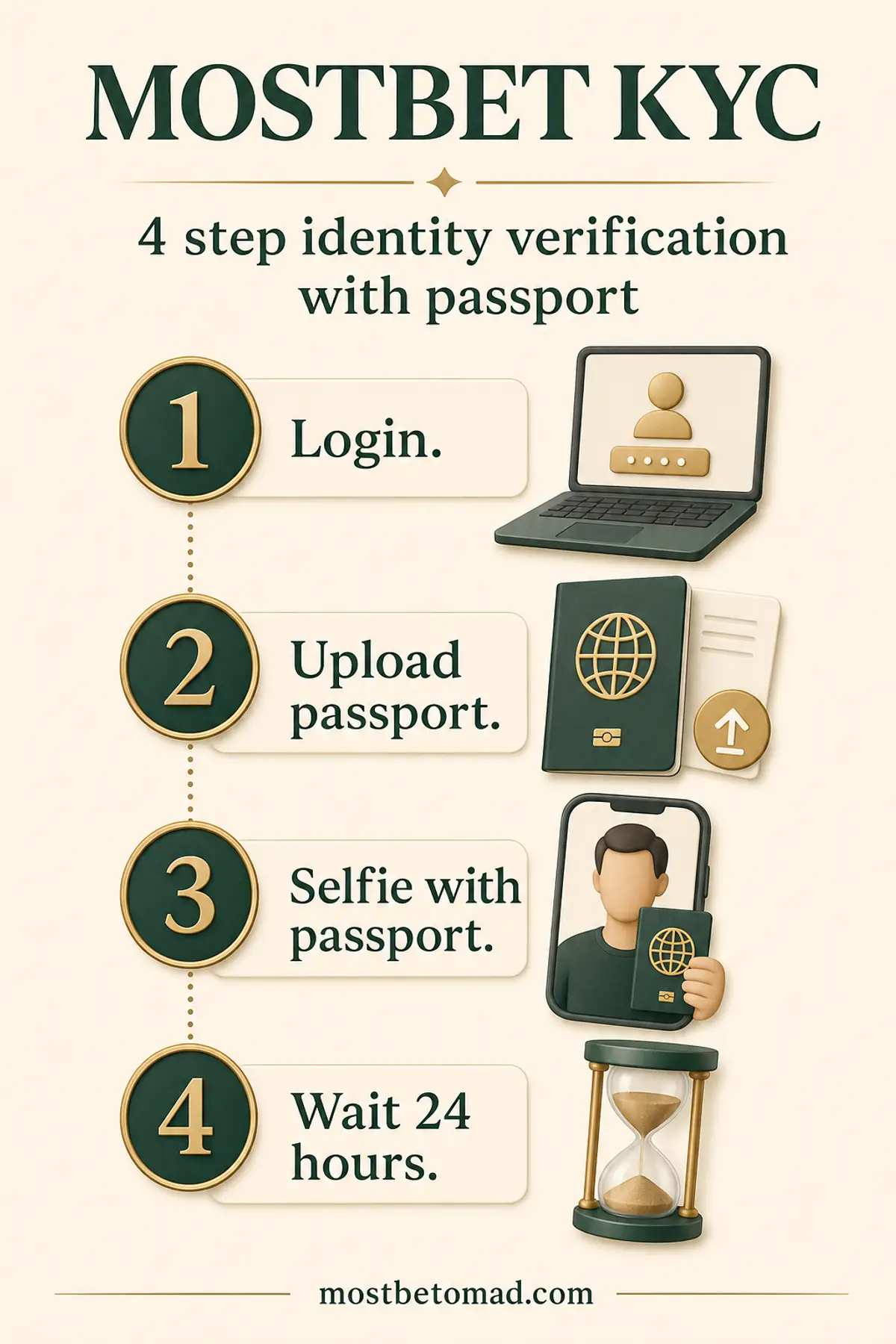
Identity verification (KYC, Know Your Customer) is a legal duty of the operator and a safety measure for the user. Mostbet accepts an Uzbekistan biometric passport or ID card for KYC. Process: log in → "Profile" → "Documents" → upload passport photo (front and back if ID card). Proof of address may be requested as a utility bill or bank statement. Verification usually takes 24-72 hours. Once KYC is approved, withdrawals are enabled. Mostbet KYC guide.
What is the minimum age for Mostbet registration?
The minimum age at Mostbet is 18+. During KYC, the date of birth is verified via passport. Accounts of users under 18 are blocked and deposits are returned. This restriction follows both the operator's license terms (Curaçao Gaming Control Board) and Uzbekistan legislation, which limits gambling participation to adults. For responsible gambling resources and signs of addiction: responsible gambling page.
Where do I enter a Mostbet promo code?
The promo code is entered in the "Promo code" or "Bonus code" field of the registration form (any method). The code adds a bonus to the first deposit — usually increasing the welcome bonus or granting free spins. If you don't enter the promo code during registration, it cannot be added later — the bonus will not apply. Current promo codes are listed on Mostbet's official site and partner pages. Welcome-bonus terms and wagering requirements: welcome bonus.
Common Mostbet registration errors
The 5 most common issues: (1) SMS not received — wrong number or network throttling (request again after 60 seconds); (2) email verification link not working — check spam folder; (3) KYC rejected — passport photo blurry or lighting insufficient (re-upload); (4) account not found — usually forgotten password (use reset flow); (5) multiple accounts per user — against policy and triggers a block. How to detect phishing pages and security risks: Mostbet safety.
After the account is created, the standard path is: make a deposit and install the mobile app. Both are covered briefly below; each links to its own page.
How do I make a first deposit?
Once the account exists, the first deposit can be made via Humo or Uzcard cards, or Click/Payme e-wallets. The minimum deposit is usually 10 000 UZS. A first deposit activates the welcome bonus (if a promo code was entered). Full guide: Mostbet deposit.
How do I install the mobile app?
The Mostbet app for Android is installed from an APK file downloaded from the official site (not in Play Store). iPhone users install via App Store. The same registered account works in the app with the same identifier. Android APK install.